Songs
Your library — every song you're learning, with chords, key, capo, imported chord sheets, and the takes you've recorded of yourself playing them. The most information-dense tab in the app, and the one you'll probably open the most.
Songs is where the actual learning happens. Everything else in the app — the tuner, the practice tools, Jam — exists to support what's sitting in this tab. If you only ever use one part of Ukulele Buddha, it's probably this one.
Building your library
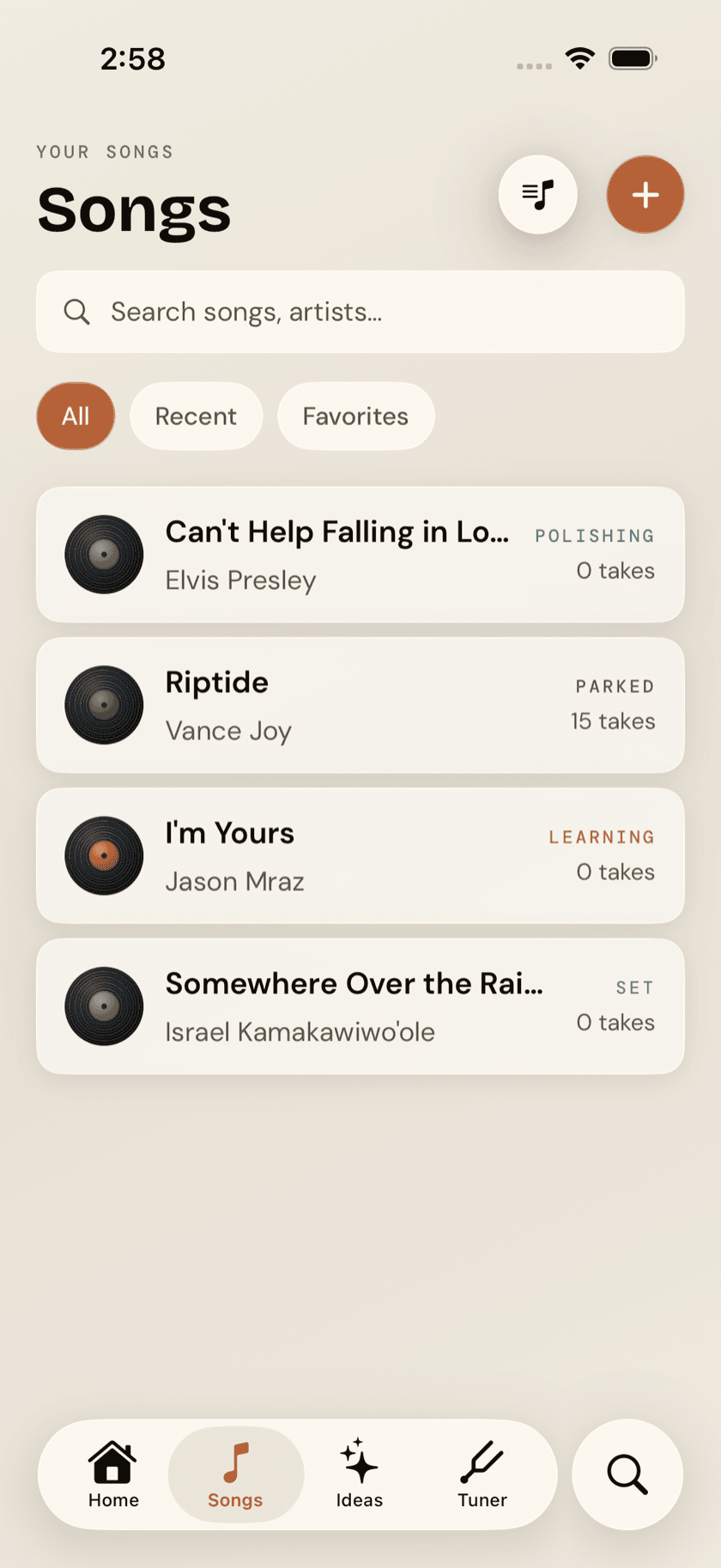
The Songs tab opens on a searchable list of everything you've added, favorites pinned to the top. Filter by All, Recent, or Favorites to narrow it down once the list gets long. Before you've added anything, the empty state points you straight at adding your first song — there's no blank screen staring back at you.
Adding a song
Tap Learn a song from Home, or the + in the Songs tab, and you've got four ways in:
- Level-tailored suggestions — a starting list shaped by the skill level you set during onboarding.
- Catalog search — search by title or artist against a ukulele-native catalog. A match auto-fills chords, key, and capo position, so you're not typing any of that in by hand.
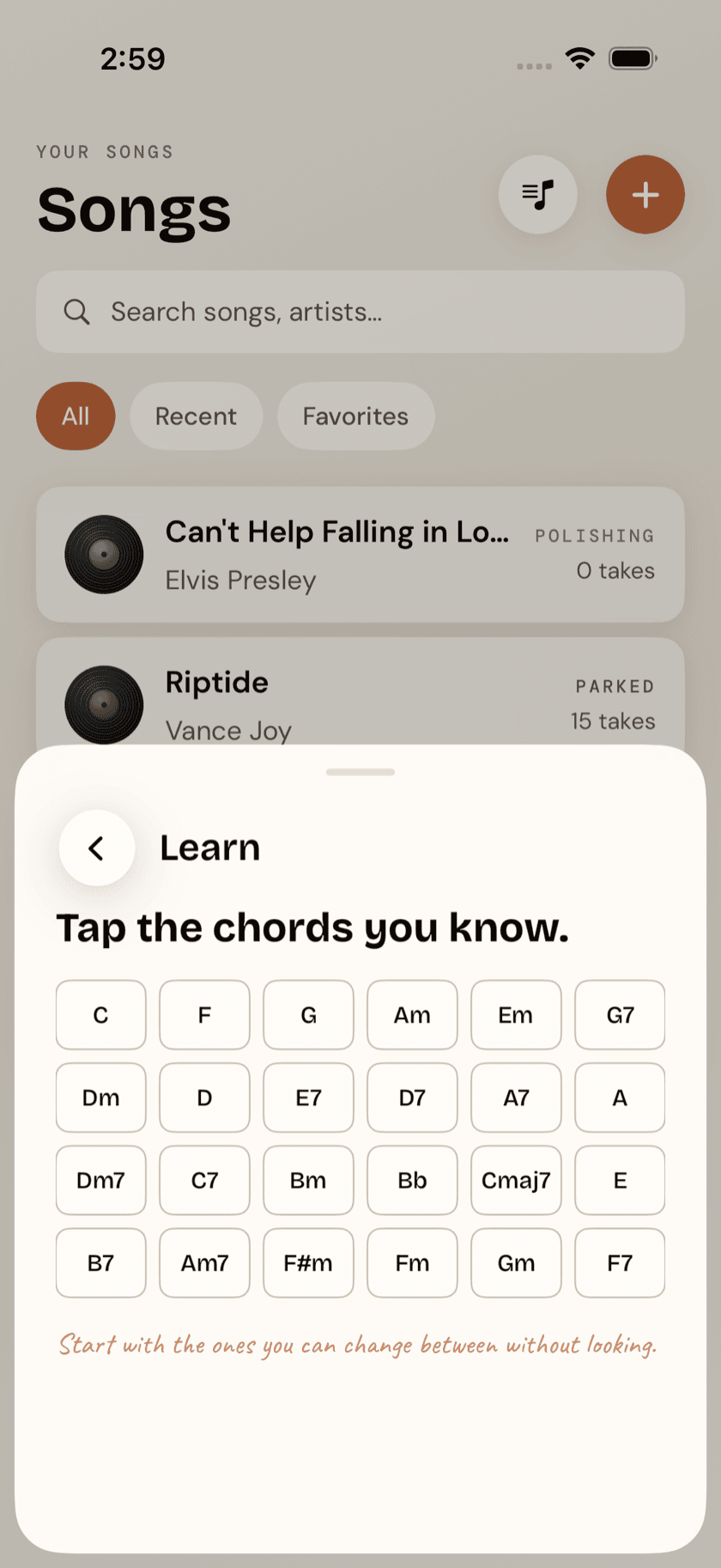
- Songs you can play — the interesting one. Tell the app which chords you already know, and it searches the catalog for songs that fit. Each result is flagged either ready to play or shows the one or two chords standing between you and playing it — genuinely useful for finding your next song rather than picking one and hoping.
- Manual entry — for anything not in the catalog. Type the title, artist, and chords yourself.
The song page
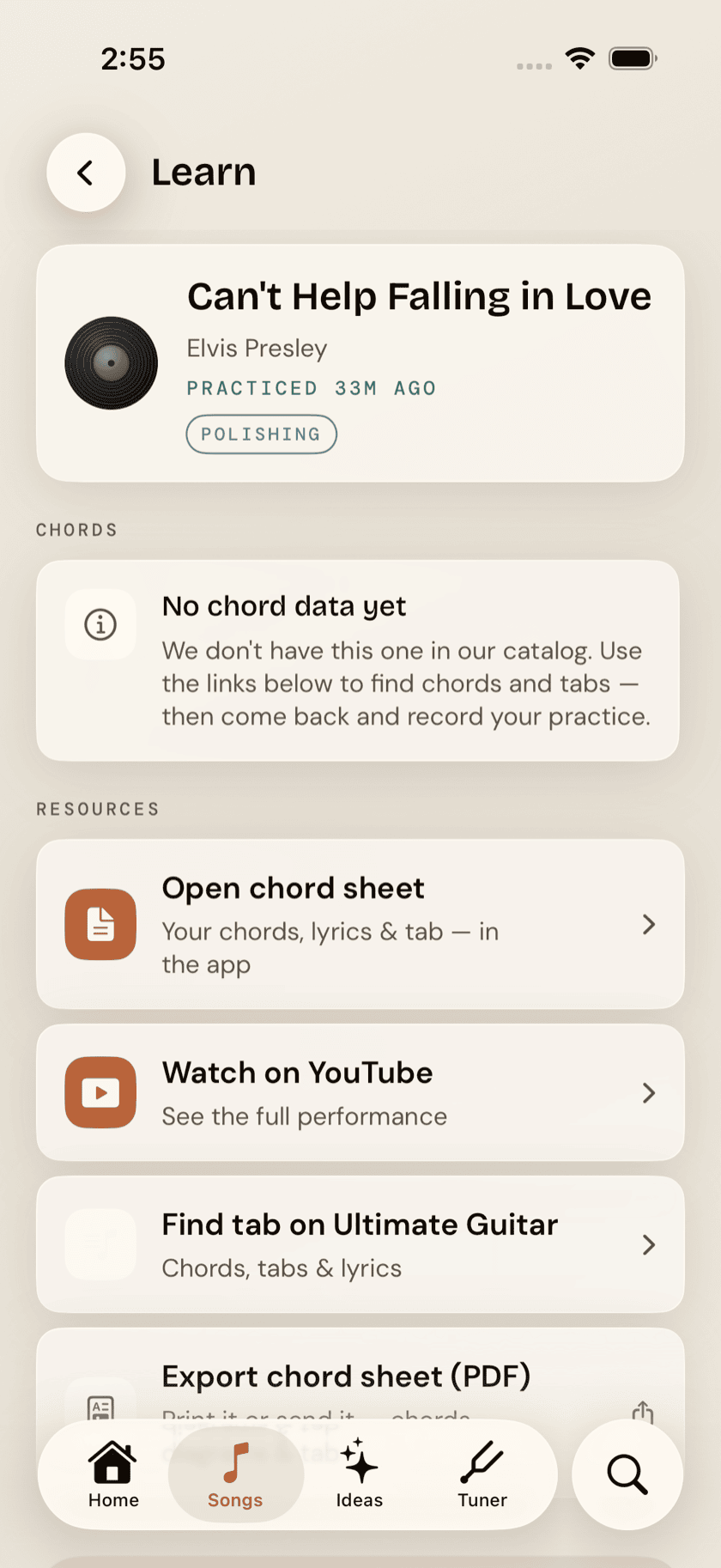
Every song opens to the same layout: an identity card up top with the title, artist, and when you last played it; then the chord grid, with key, capo, and tempo marked along the row above it; then the scale that fits the key; then a Resources block. The chord sheet isn't inline — it opens full-screen from Resources, so the words get the whole display.
Tap any chord in the grid and it opens large — the full four-string diagram, plus Strum, Arpeggio, and Slow buttons to hear it whichever way helps. Nothing sounds until you press one, so you can check a shape in silence before you commit to it mid-song. The transpose stepper shifts the whole song up or down; if transposing would trade a set of easy open shapes for something awkward higher up the neck, the app suggests a capo position instead so your hands don't have to pay for a key change. Simplify chords does something similar in reverse — swap harder voicings for easier ones that get you playing sooner, without changing what the song sounds like in any way that matters to a beginner.
Below the chords, a small fretboard diagram shows the scale that matches the song's key, laid out across the ukulele's four reentrant gCEA strings — handy if you want to noodle a solo over it later without leaving the page to look it up.
Below that, a Resources block points outward. Ukulele tutorial runs a one-tap YouTube search for a ukulele lesson on this song, worded to favour the slowed-down, beginner-aimed ones. Watch a performance searches for the original and live versions. Find tab on Ultimate Guitar goes looking for chords and tabs to cross-check against. They're searches rather than hand-picked videos — what comes back is whatever YouTube ranks that day.
Capos are less common on ukulele than on guitar, but they're not a guitar-only idea — some uke players keep one around to match a recording's key without relearning a song's shapes. Ukulele Buddha suggests a capo position the same way it would for a guitar; it's a suggestion, not a requirement, and the chords underneath never change.
The chords don't scroll away with everything else. A slim bar sits at the bottom of the song page holding a small diagram for each of the song's chords — a plain name chip for anything without a catalogued shape — and it stays there as you scroll, so the shapes are still in front of you by the time the grid at the top is long gone. It shows what you're actually playing: transpose the song or turn on Simplify and the bar follows. Tap a diagram and it opens large, with the same Strum, Arpeggio, and Slow buttons you get from the grid. The chevron on the right tucks the bar down to a single line of chord names when you want the room back, and pulls it up again when you don't; it stays however you left it. Songs you typed in by hand don't get a bar — there are no catalogued shapes to draw.
Chord sheets and lyrics
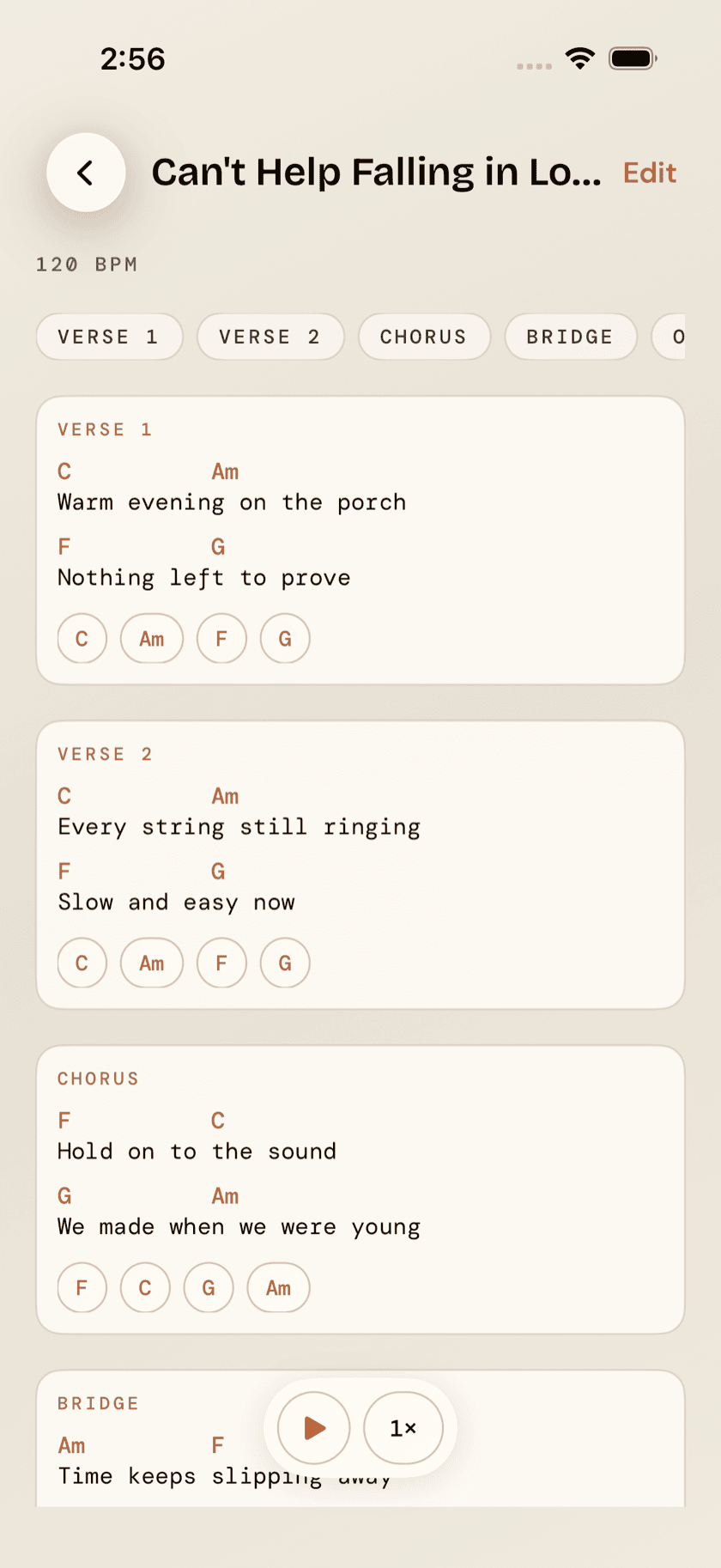
If you've got a full chord sheet — chords positioned above the lyric words they land on — you can bring the whole thing in rather than just the chord names. Paste one copied from any lyrics site, or point the camera at a printed or handwritten sheet: on-device text recognition reads it and lines the chords back up over the right words automatically.
Once it's in, the chord sheet displays with chords positioned above lyrics, every chord tappable for its diagram, and a teleprompter mode — auto-scroll at one of four speeds, so you can read hands-free while you're actually playing instead of stopping to scroll. The sheet opens full-screen on its own, so the pinned bar steps aside here — the chords are already sitting over the words they belong to.
Need a copy on paper, or want to send one to someone? Export as PDF renders the chords, diagrams, and any imported tab into a printable document through the system share sheet.
Practicing a song
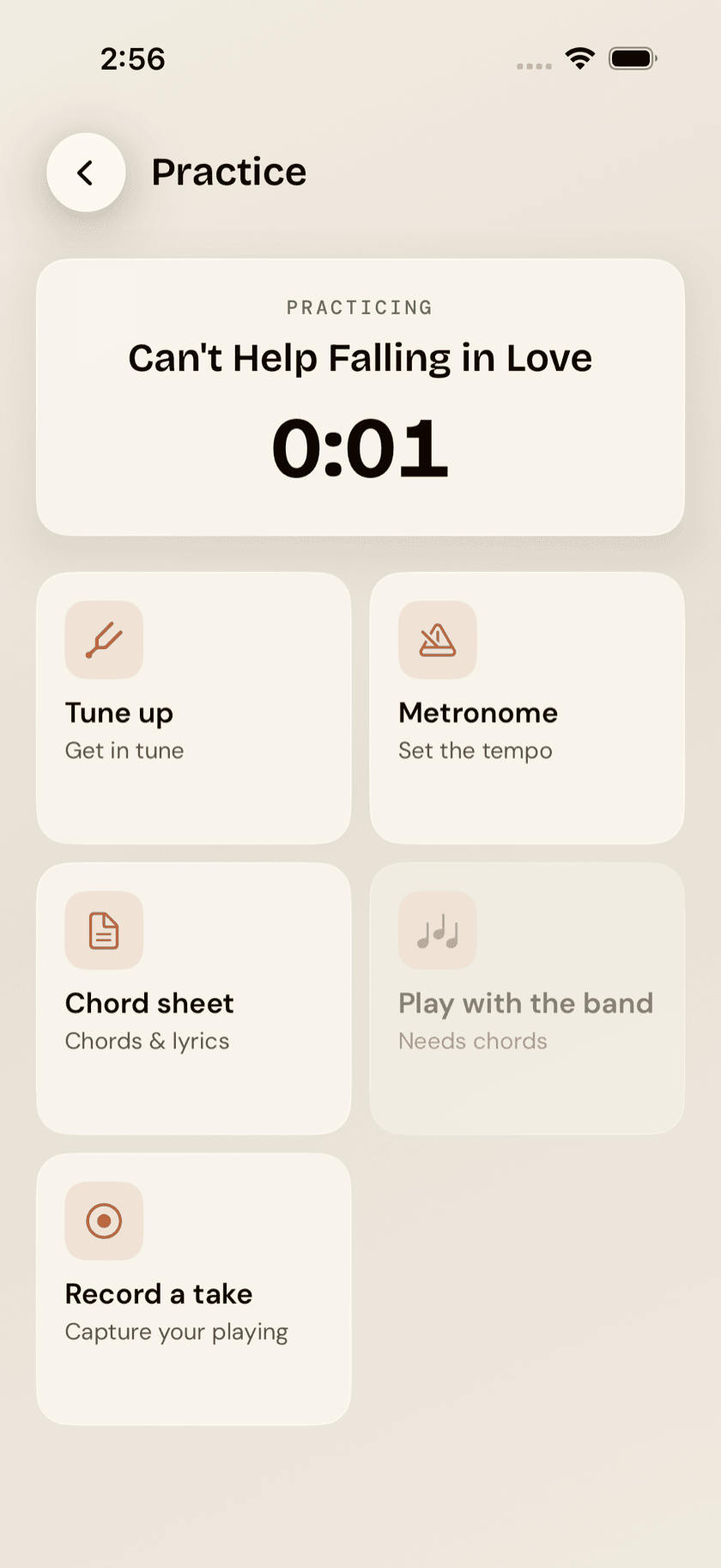
Tap Practice from a song's page and it opens a focused companion built around that one song: a running session timer, one-tap access to the tuner already listening for gCEA, a metronome already set to the song's tempo, the chord sheet, a link into playing along with the full band, and a record button — all without leaving the song. It's the difference between practicing a song and practicing in general.
Recording takes
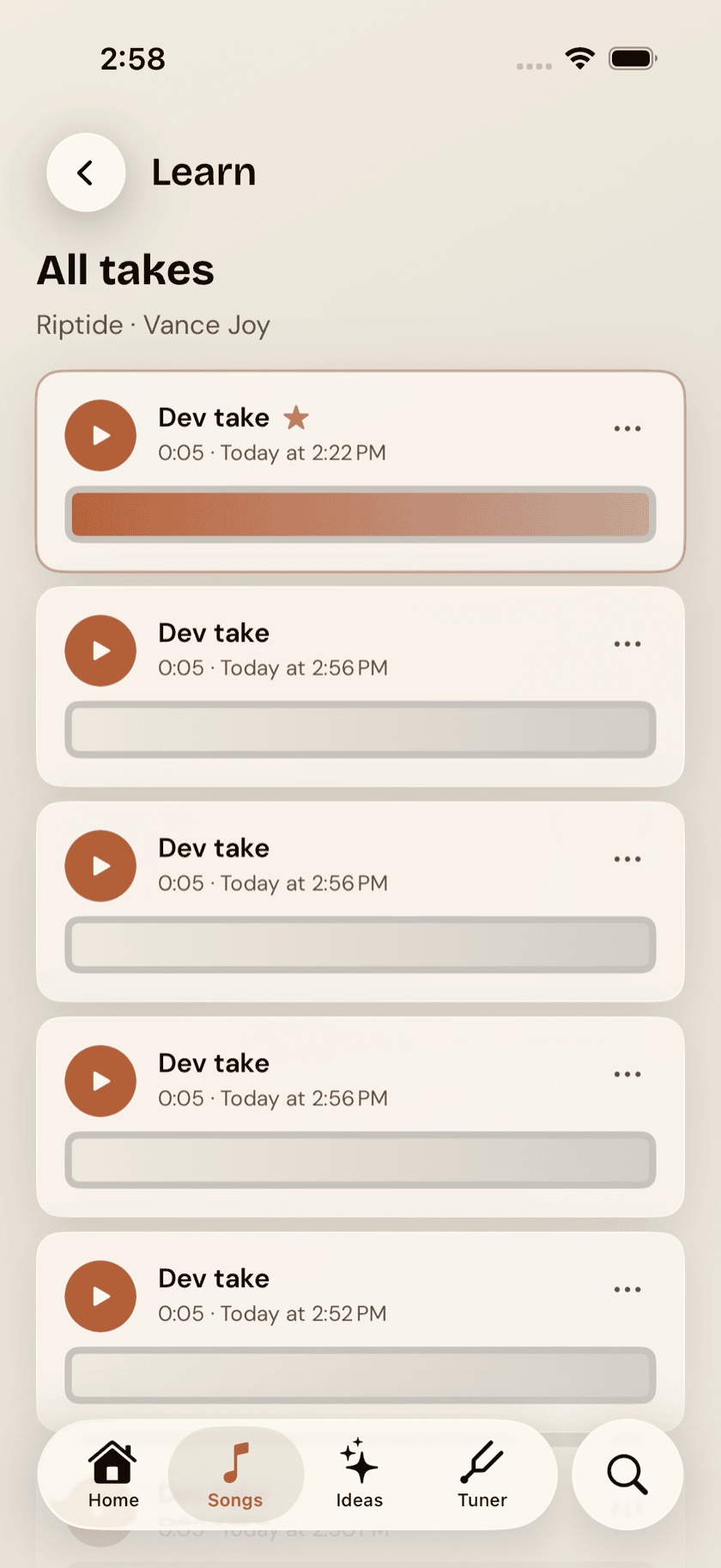
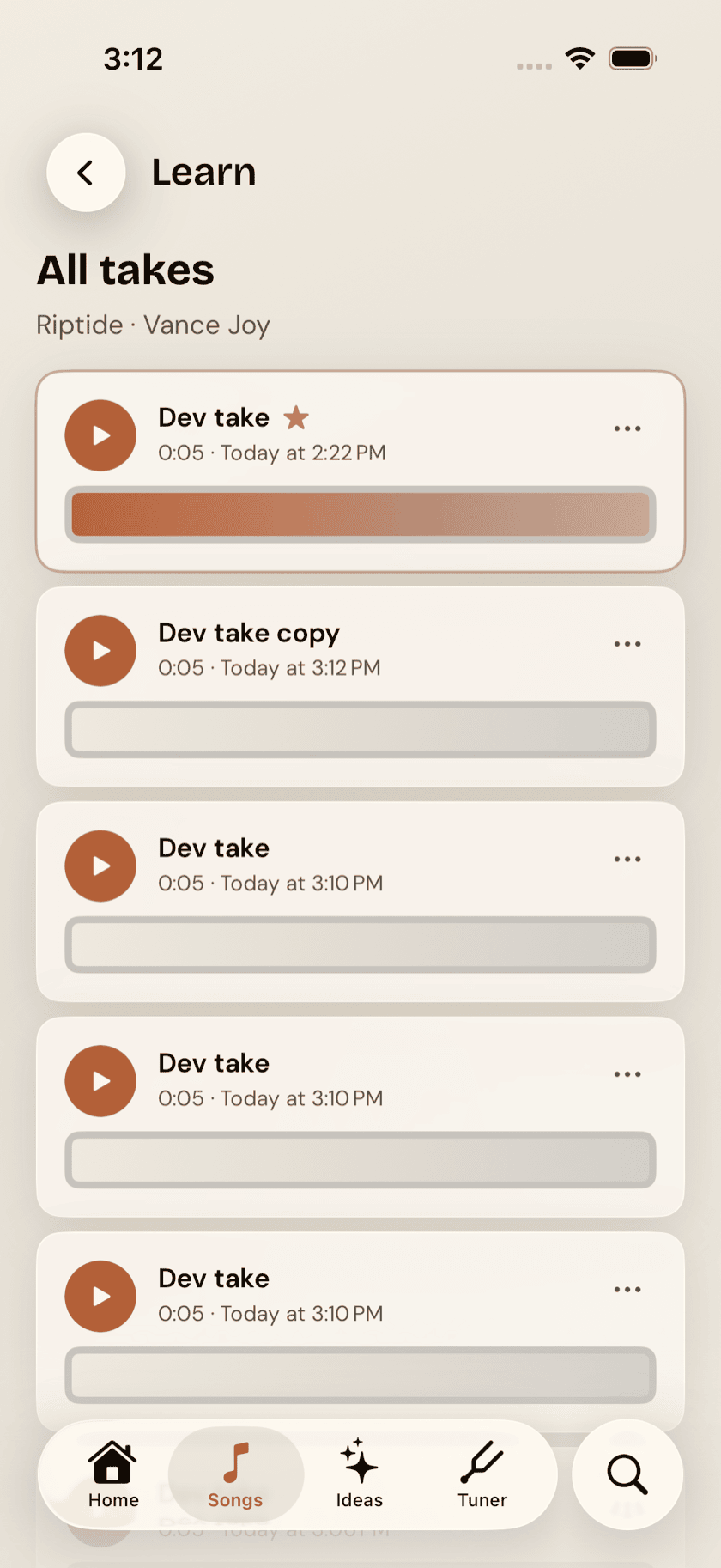
Record yourself playing a song and it's saved as a take — trim it with handles on either end, play it back, and mark your favorite as best so it's easy to find later. The song page shows your two most recent takes right there, with a link through to the full list when you've built up more than that.
Setlists
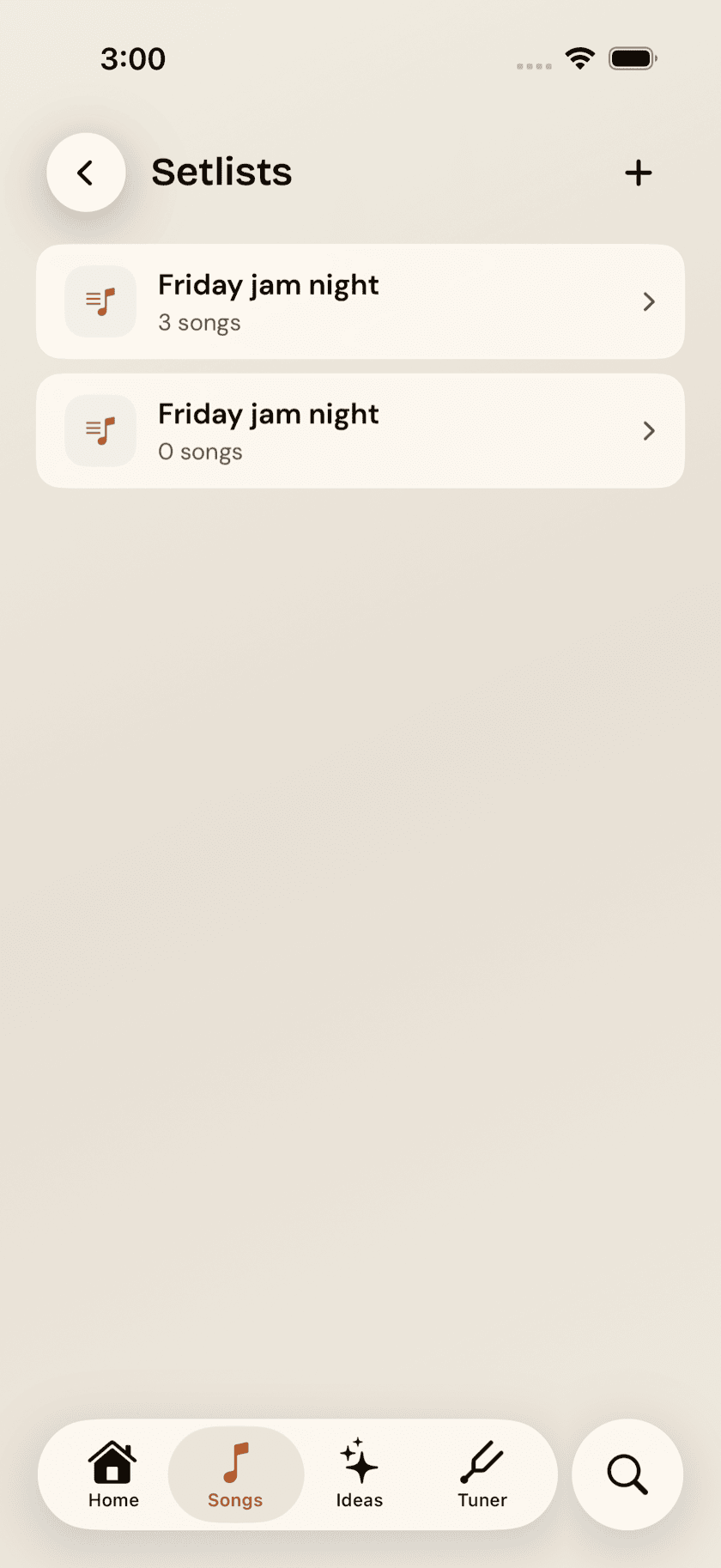
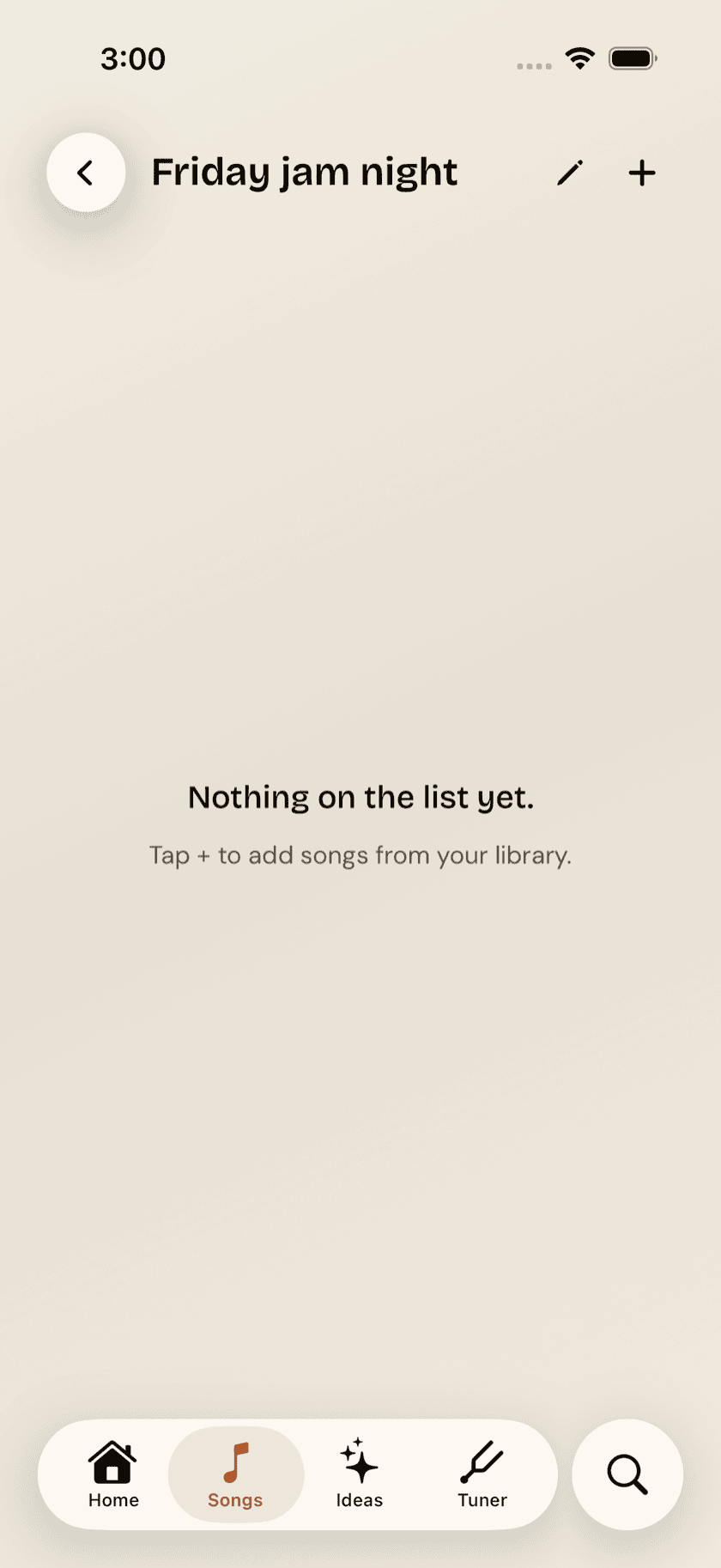
Building a set for a gig, an open mic, or just a focused practice session? Setlists are ordered, named lists of songs — create one, name it, reorder songs by dragging, rename or delete it later. Tap any song inside a setlist and it opens exactly like it would from the main library — a setlist is just a view into songs you already have, not a separate copy of them.