Drills & Ear Training
Short, timed exercises that build finger independence, faster chord changes, and a trained ear — tucked inside Practice Hub's Drills tile, with no score to protect and nothing to grind for.
Drills sit inside the Practice Hub, in their own tile, set apart from Routines and the lookup tools. They're built to be short — most wrap in a few minutes — the kind of thing you reach for in the five minutes before a song, or on a day when a full session isn't happening. Five drills live here: two work on hand mechanics, one works on picking speed, one trains your ear, and one is the classic one-minute-changes challenge.
none of the drills here hand you a score to beat or a streak to protect. Each one closes with a plain summary — reps finished, chords cycled, whatever that particular drill happens to count — and then steps out of the way. The repetition is the point, not the number.
Spider Walk
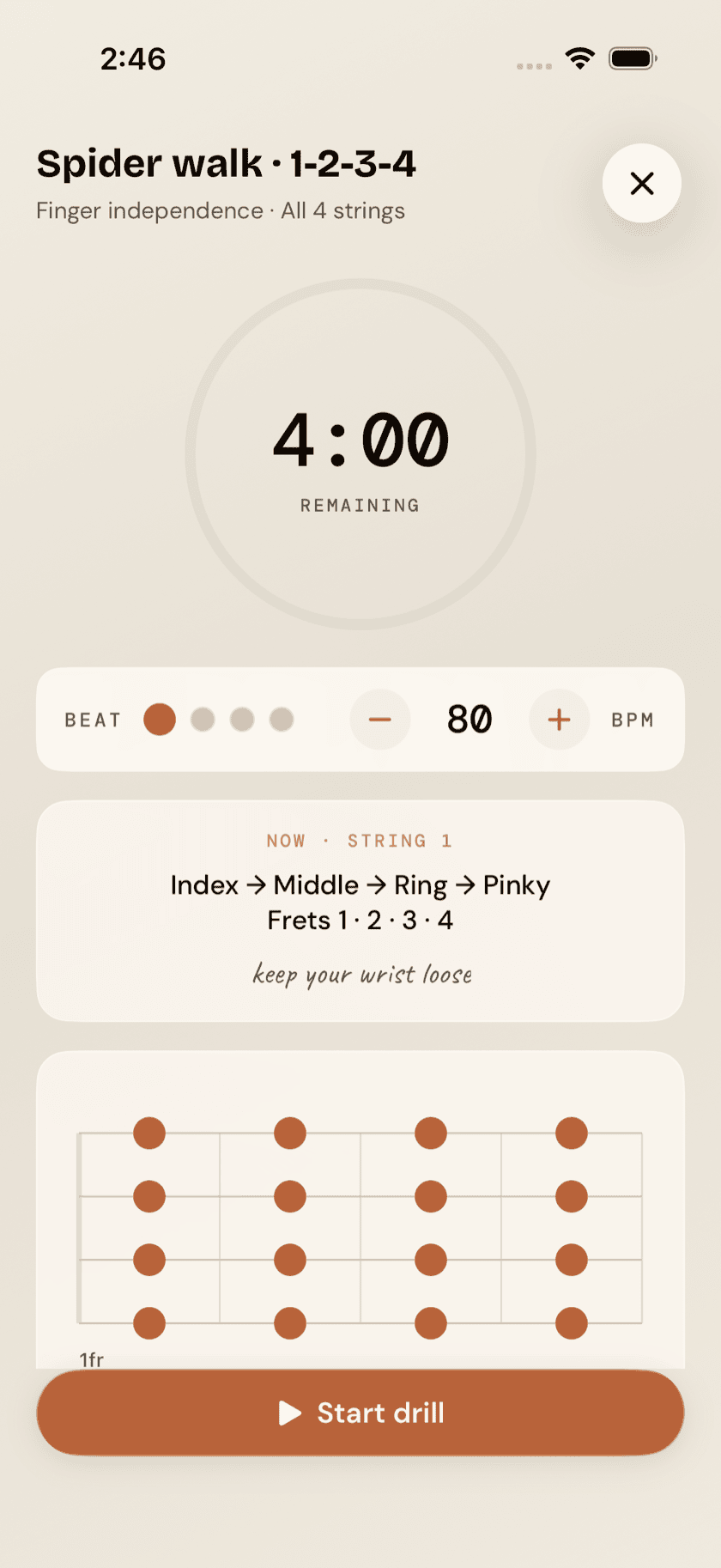
Spider Walk is a four-minute finger-independence warm-up: index, middle, ring, pinky, one finger per fret, climbing frets 1-2-3-4 across all four strings. A running timer keeps the pace honest, and a finger-ladder diagram shows exactly which finger lands where, so you're never stopping mid-drill to work it out. It's worth running before you touch a song at all — four strings warm up fast, and a few minutes here loosens cold fingers quicker than diving straight into a chord progression does.
Chord Change Clock
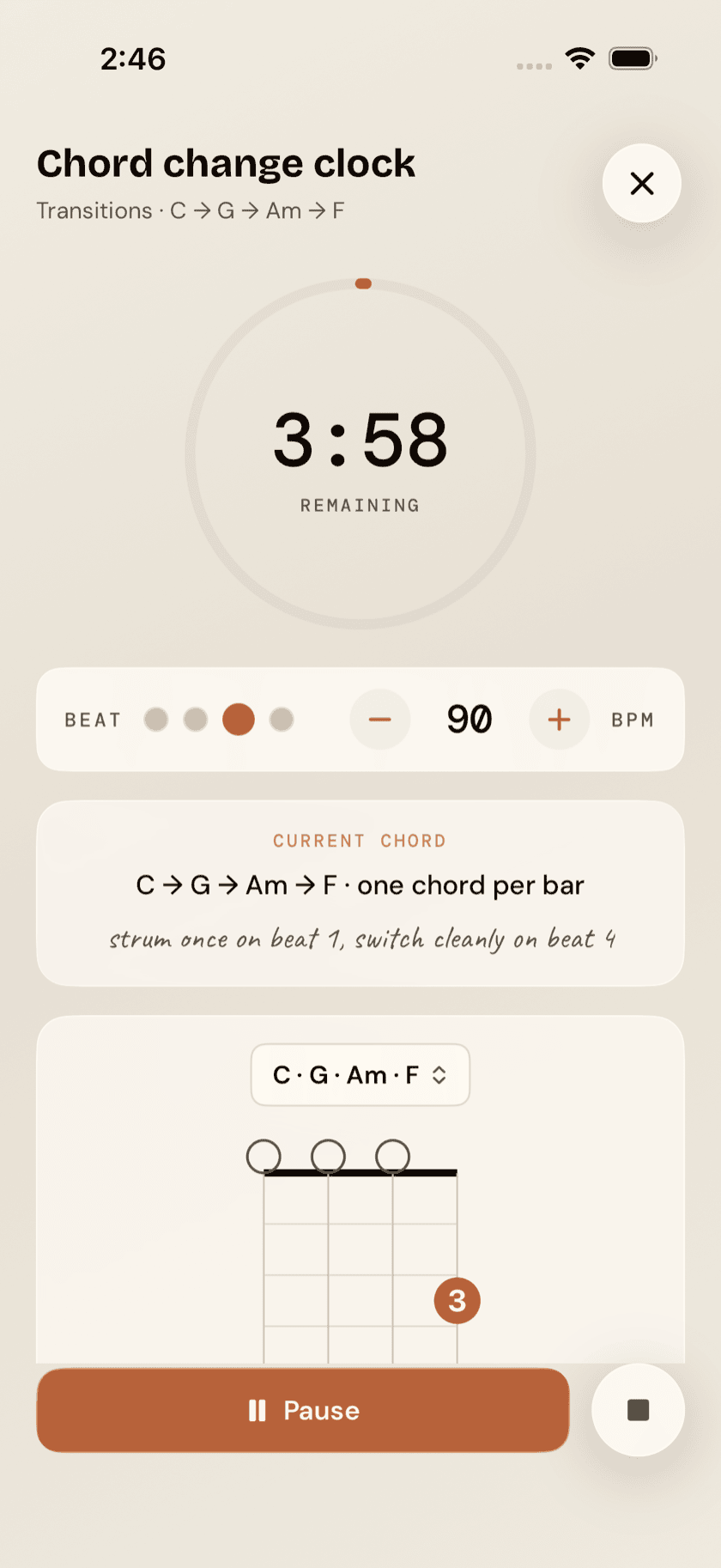
Chord Change Clock cycles four chords, one per bar, at whatever tempo you set. It opens on C · G · Am · F, and a picker above the diagram swaps in six other sets — the same pop turnaround in G and in D, a vi–IV–I–V, the fifties changes, a vi–ii–V–I. Pick the one whose chords are giving you trouble. The current chord's diagram stays on screen the whole time, so your eyes are checking your hand instead of hunting for the next shape. The goal isn't playing the progression once, cleanly; it's playing it enough times, at a real tempo, that the changes stop being a decision.
Pentatonic Ascending
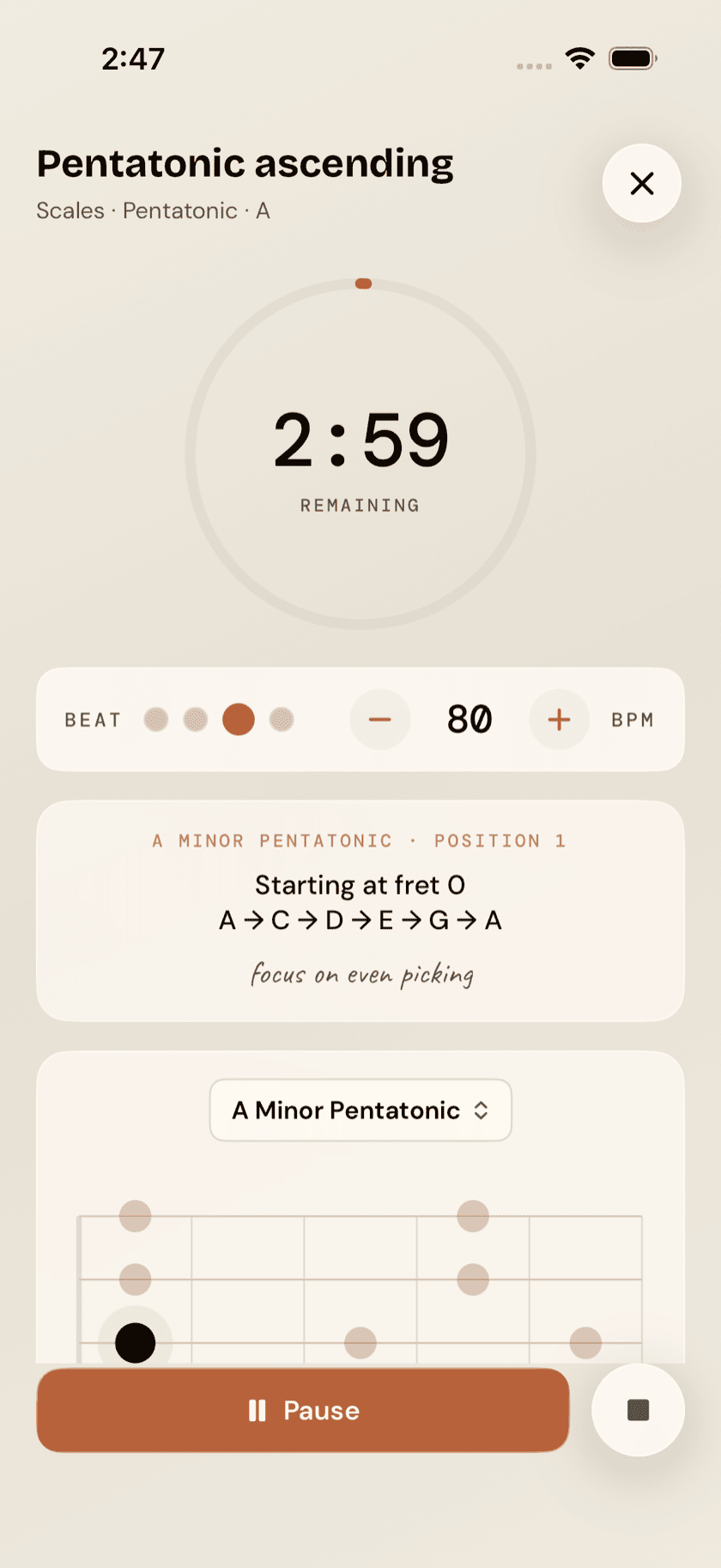
A speed drill: climb a scale box, repeatedly, at a steady tempo. It opens on A minor pentatonic, and a picker above the board swaps in any other scale from the library, so the drill follows whatever you're actually working on. The box sits on a fretboard diagram the whole time, mapped across all four strings in gCEA, so there's no guessing where the shape falls on the neck — just repetition, aimed at even, consistent picking rather than raw speed for its own sake.
Ear Training
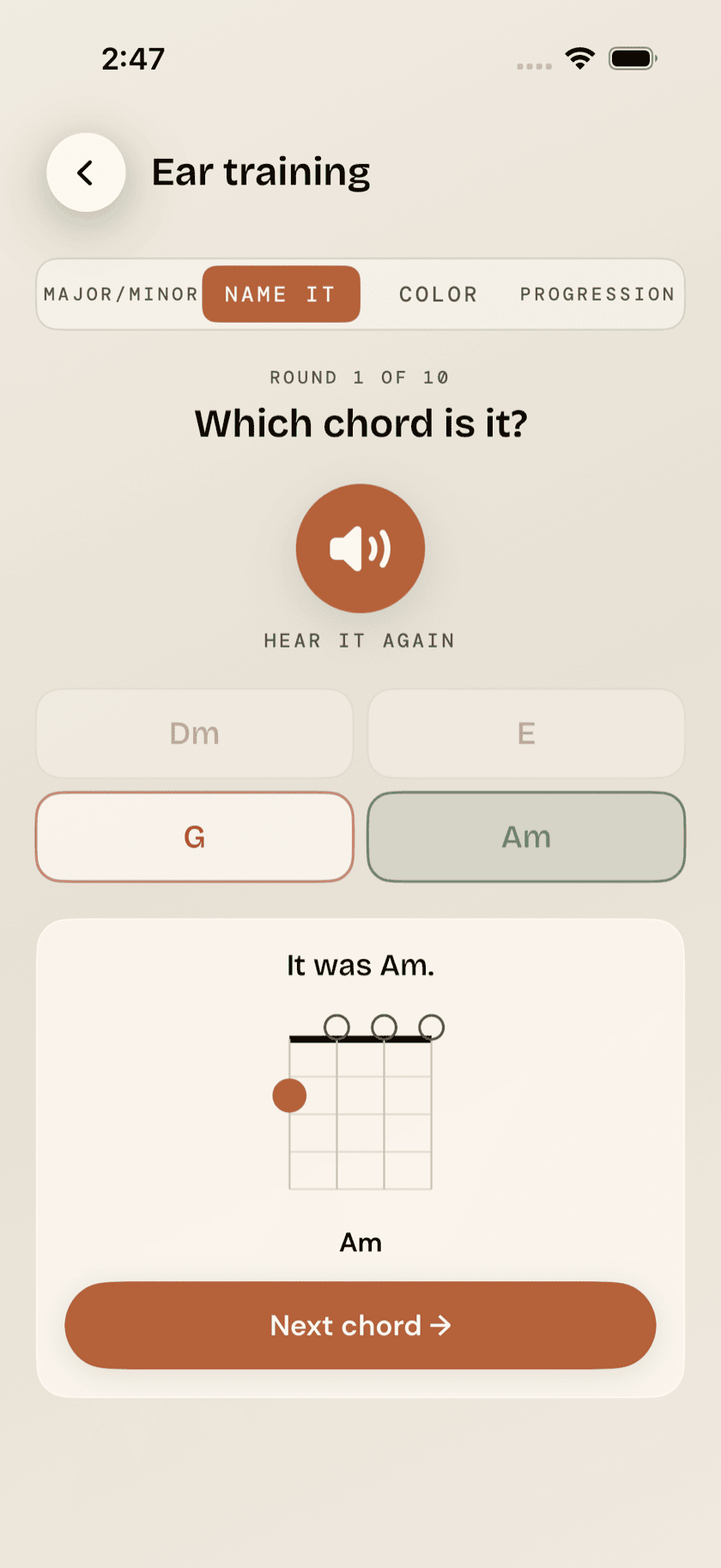
Ear Training is a ten-round listening quiz with four separate modes:
- Major/minor — is what you just heard major or minor?
- Name it — which chord was that? Four to choose from.
- Color — major 7th, minor 7th, dominant 7th, 6th, 9th, diminished, augmented: four of them come up as choices, and you pick which flavor you just heard.
- Progression — recognize common progressions, like I-IV-V or ii-V-I.
The app strums a chord or progression on the ukulele's four strings, you pick what you heard, and the answer is revealed right after your guess either way — a four-string fingering diagram for Major/minor, Name it, and Color, or the actual chord sequence for Progression — so a wrong answer still teaches you something instead of just registering as a miss.
Chord Change Trainer (One-Minute Changes)
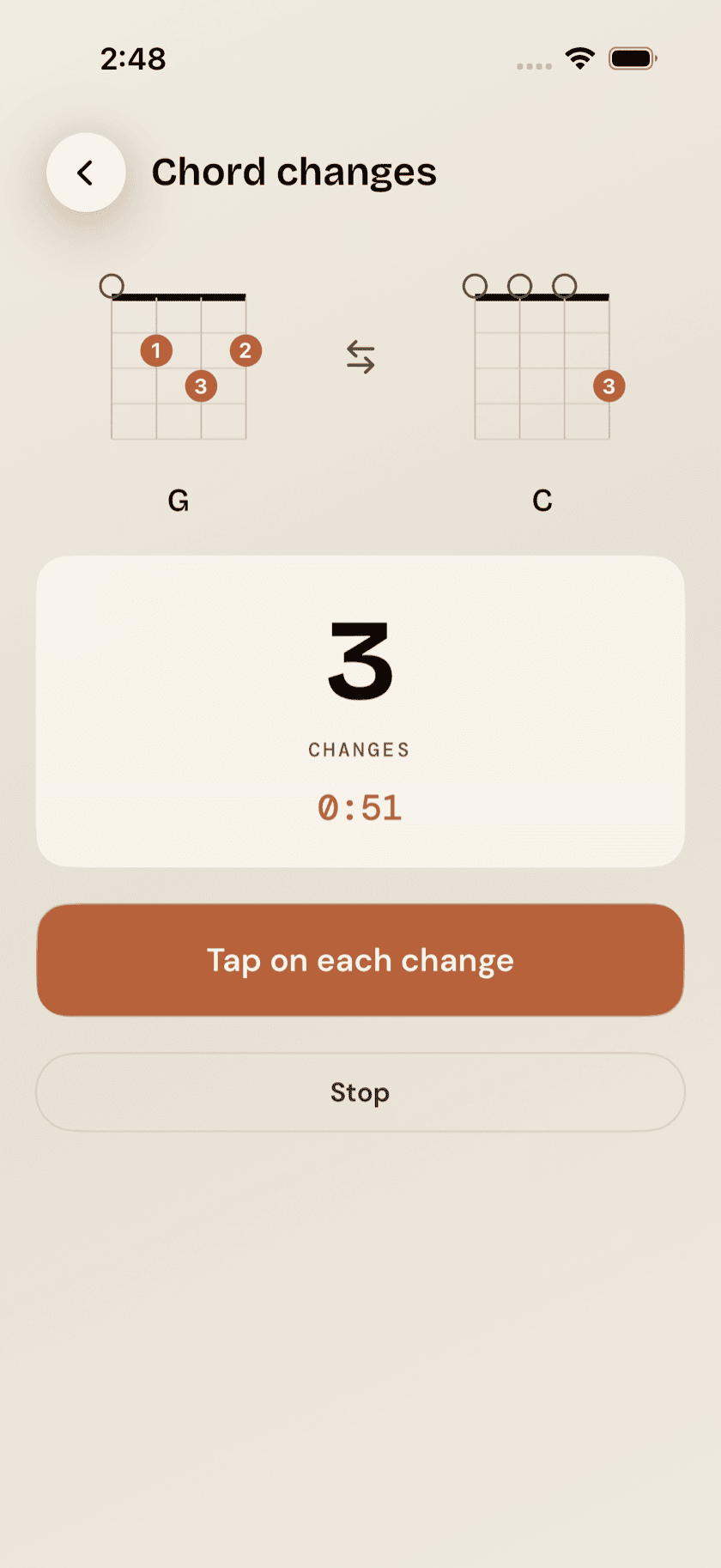
The classic drill: pick any two open chords, set a 30, 60, or 90-second timer, and tap once every time you land a clean change between them. It's a direct, simple read on how fast your hands can move between two shapes.
the "last" number here is just your previous run in this sitting, left on screen so you've got something to beat by one. It isn't saved, it isn't ranked, and it isn't measured against anyone else's hands — leave the screen and it's gone. Just now against a minute ago.