Routines & Log
Stack a chord warm-up, a scale, a song or two, and a jam into one guided practice session — build it once, then let a running timer and checklist walk you through it in whatever order actually works.
Every other practice tool in Ukulele Buddha is built to do one job — drill a chord, climb a scale, loop a tricky passage, jam over a groove. Routines is where you chain several of those jobs into a single session so you're not stopping between them to decide what comes next. Find it as the featured Routines card at the top of the Practice Hub.
Building a routine
A routine is just a name and an ordered list of steps, and each step is a pointer at something real — one of the practice tools (Chords, Scales, Progressions, Drills, Loops, Metronome), a song pulled straight from your library, a Jam session, or a custom step for anything that doesn't fit those categories. Attach a suggested duration to each one and drag them into whatever order suits you: tune up, warm up on a chord drill, run the scale behind the song you're learning, drop in the progression you built last week, play the song itself, then close with a jam.
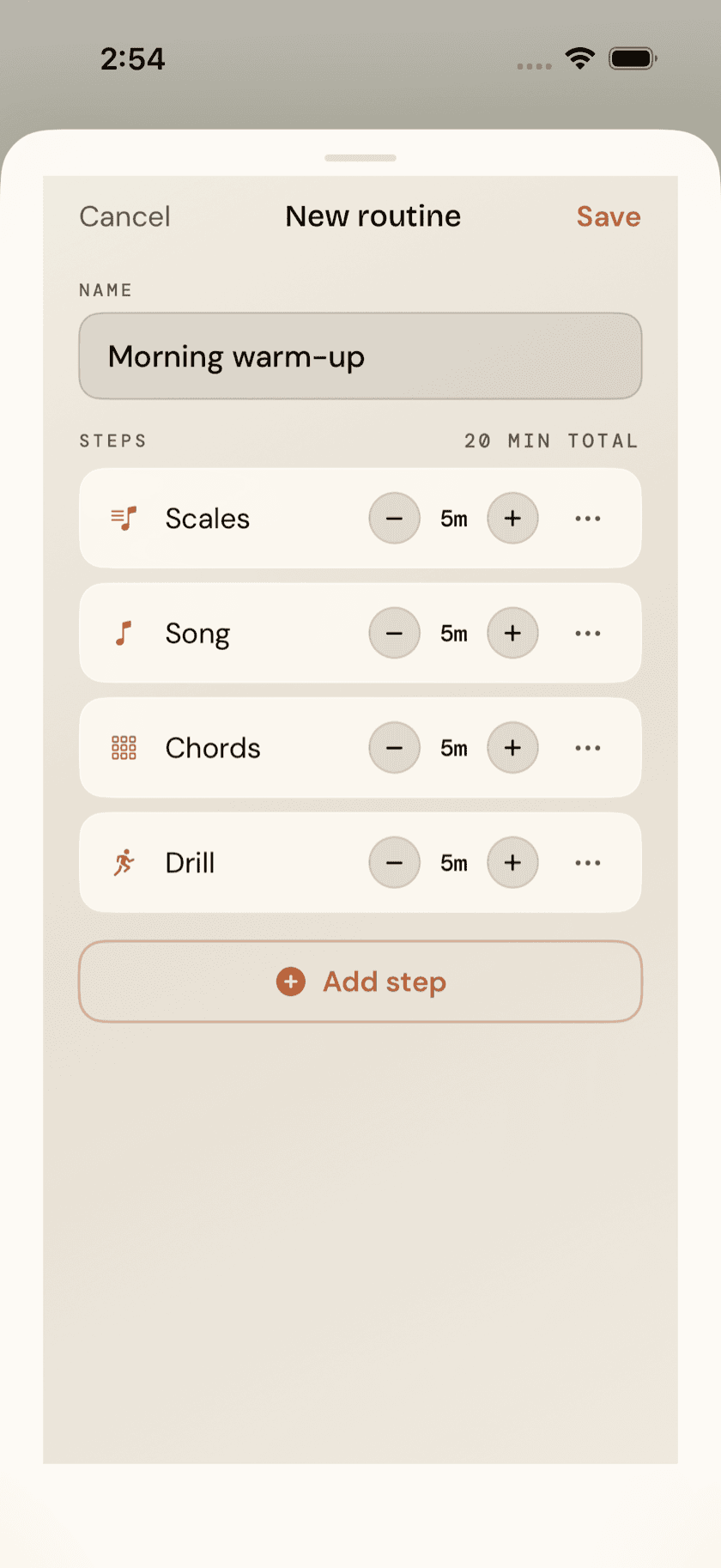
Nothing here is permanent once it's saved. Add a step, cut one, stretch a duration, rename the routine outright — it's a plan you're allowed to keep changing, not a contract you signed.
Running a routine
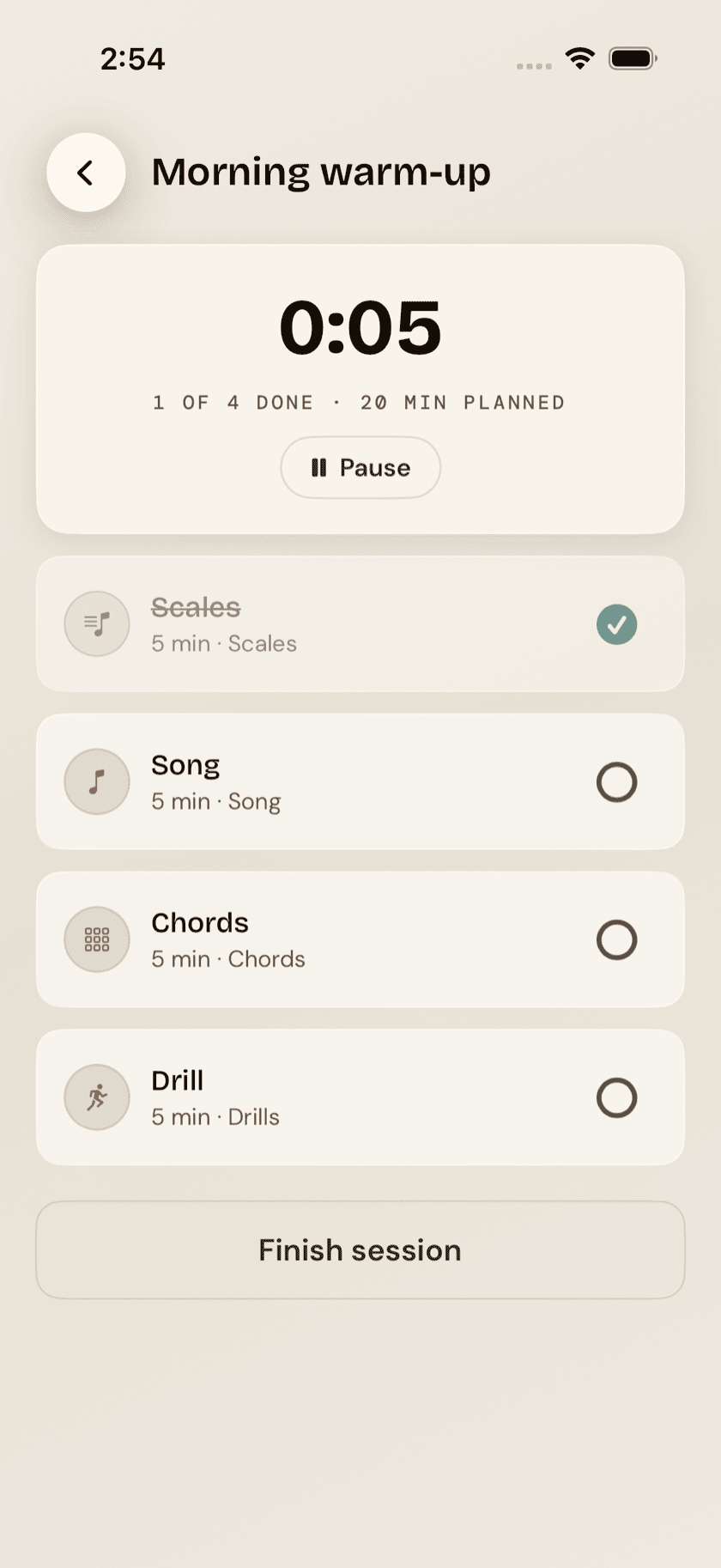
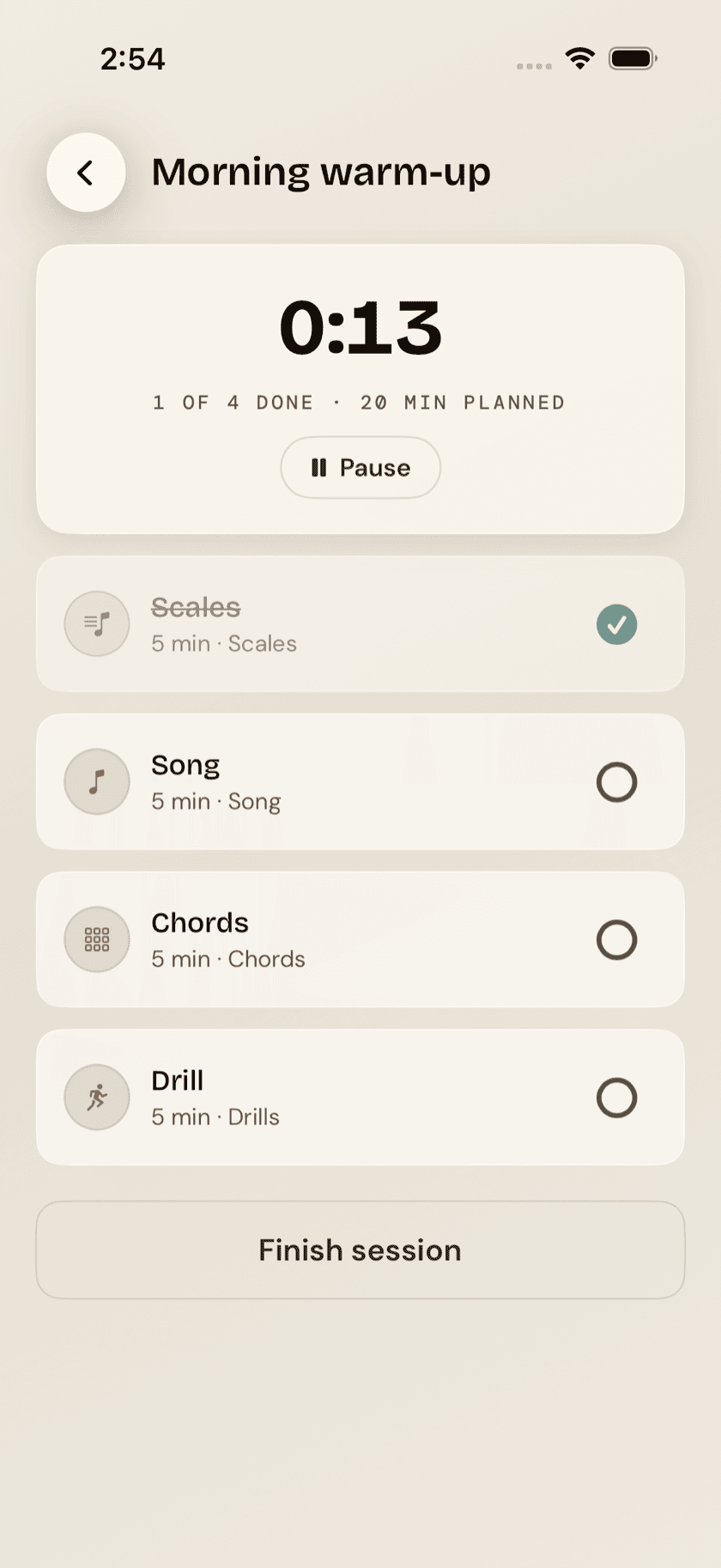
Tap start and Routines hands you a checklist with a session timer running at the top — counting the whole session, not resetting per step. Open any step and it drops you straight into the real tool behind it, whether that's a chord drill, a song, or a loop, and the timer keeps running the entire time you're in there. Come back out, tick the step off, and move to the next.
the timer never pauses on its own while you're inside a step. That's on purpose — a routine measures how long the whole session ran, not how precisely you matched each step's suggested duration. If the phone rings, there's a Pause button up top; it just won't decide for you.
Nothing forces you to clear every step or finish in one go. Stop whenever, come back whenever — the routine picks up exactly where you left it, with no penalty for the gap.
Practice log
Finish a session and it drops into the practice log, sorted by day. Each entry lists the routine's name, when you ran it, how many steps you got through, and how many minutes it took — a factual record, nothing more. No streak counter to keep alive, no daily goal to hit, no score sitting there waiting to drop.
The log leaves the app, too. The share icon in its header writes a CSV — one row per session, carrying the date, the routine, the minutes, and the steps — ready to open in Numbers, Excel, or Google Sheets if you ever want to chart a year of your own practice. Like the backup over in Settings, it's written on your device and goes nowhere until you send it somewhere.