Loops
Two looping tools sit side by side in the Practice Hub — a backing-track library to jam over, and a slower, more surgical trainer for isolating one hard passage until you've got it.
The Practice Hub keeps two looping tools next to each other, and it's worth keeping them separate in your head. The Loops tile, down in the grid, is a library of backing tracks you drop into and play along with, no setup required — pick a groove, plug in, strum. Loop Trainer, one of the three featured cards above the grid, is slower and more surgical: grab one hard passage and slow it down until your fingers catch up. Same neighborhood, different doors.
The loop library
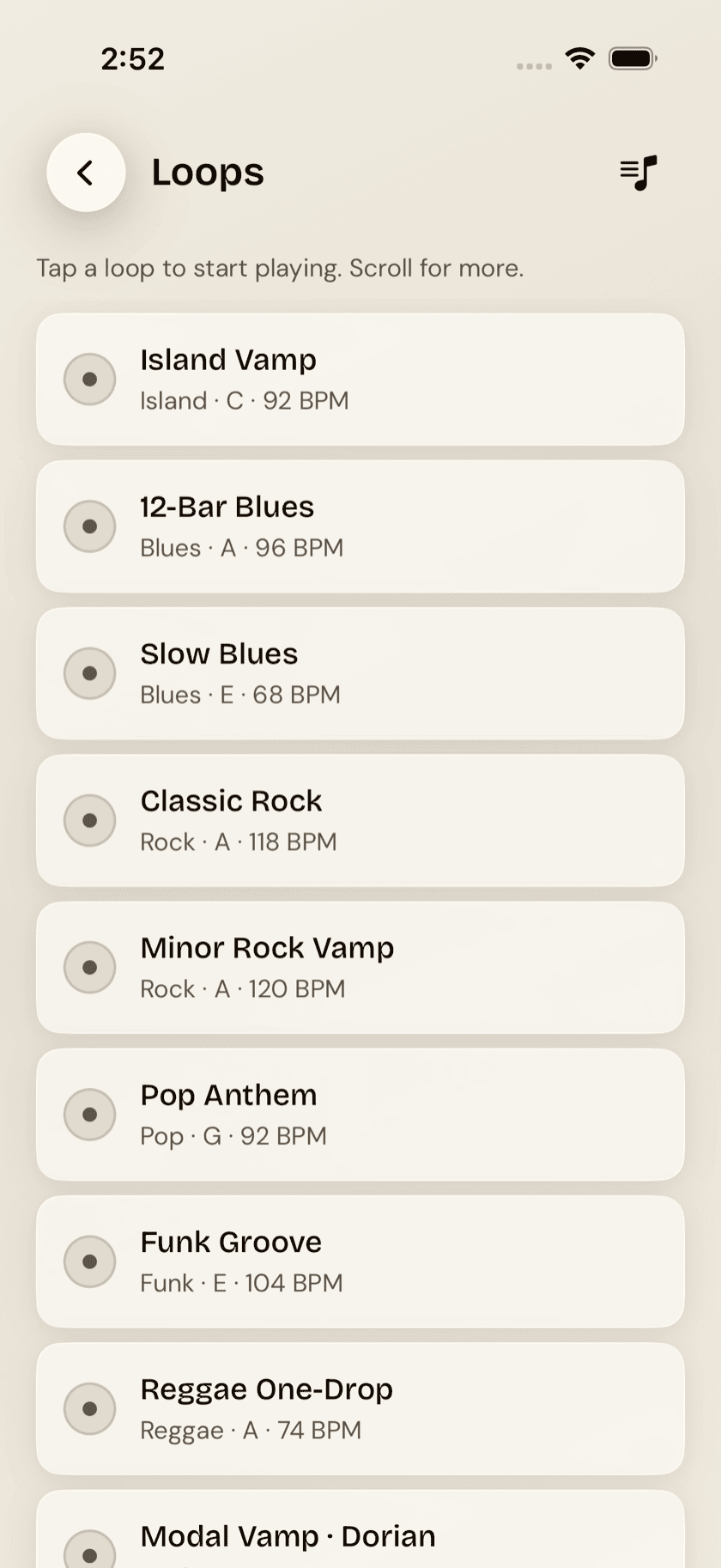
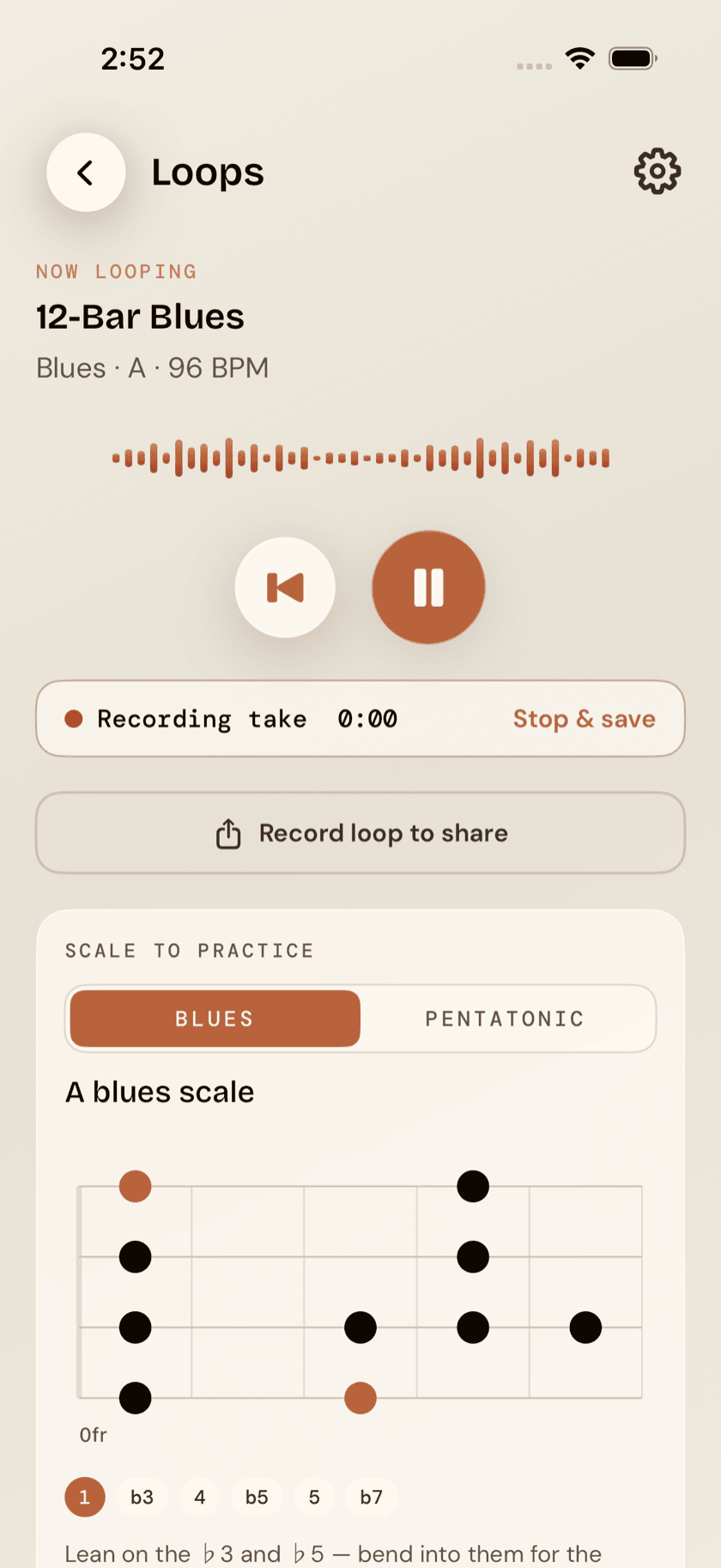
The Loops tile opens on a catalog of bundled backing-track loops — the Island Vamp first, then blues, rock, pop, funk, reggae, a Dorian vamp, bossa nova and jazz. Pick one and it starts playing immediately, looping continuously so you can noodle or comp over it for as long as you want. Adjust the key and tempo to fit what you're working on, then just play. A "now looping" mini-player stays pinned while you keep browsing the rest of the list, so switching from a blues shuffle to a funk groove doesn't mean stopping, backing out, and starting over.
Saving your own setups
Once you've dialed in a key, tempo, and feel you like, save it as a named setup of your own — separate from the bundled defaults, one tap to recall later. Useful if you keep coming back to the same backing track at the same slowed-down tempo to work on the same lick; there's no reason to re-adjust it every time.
Recording over a loop
Hit record while a loop is playing and your take gets saved right there, playable later from the loop's entry in the list. Good for hearing back something you improvised, or just checking whether what you played actually locked in with the groove.
Loop Trainer: woodshedding one passage
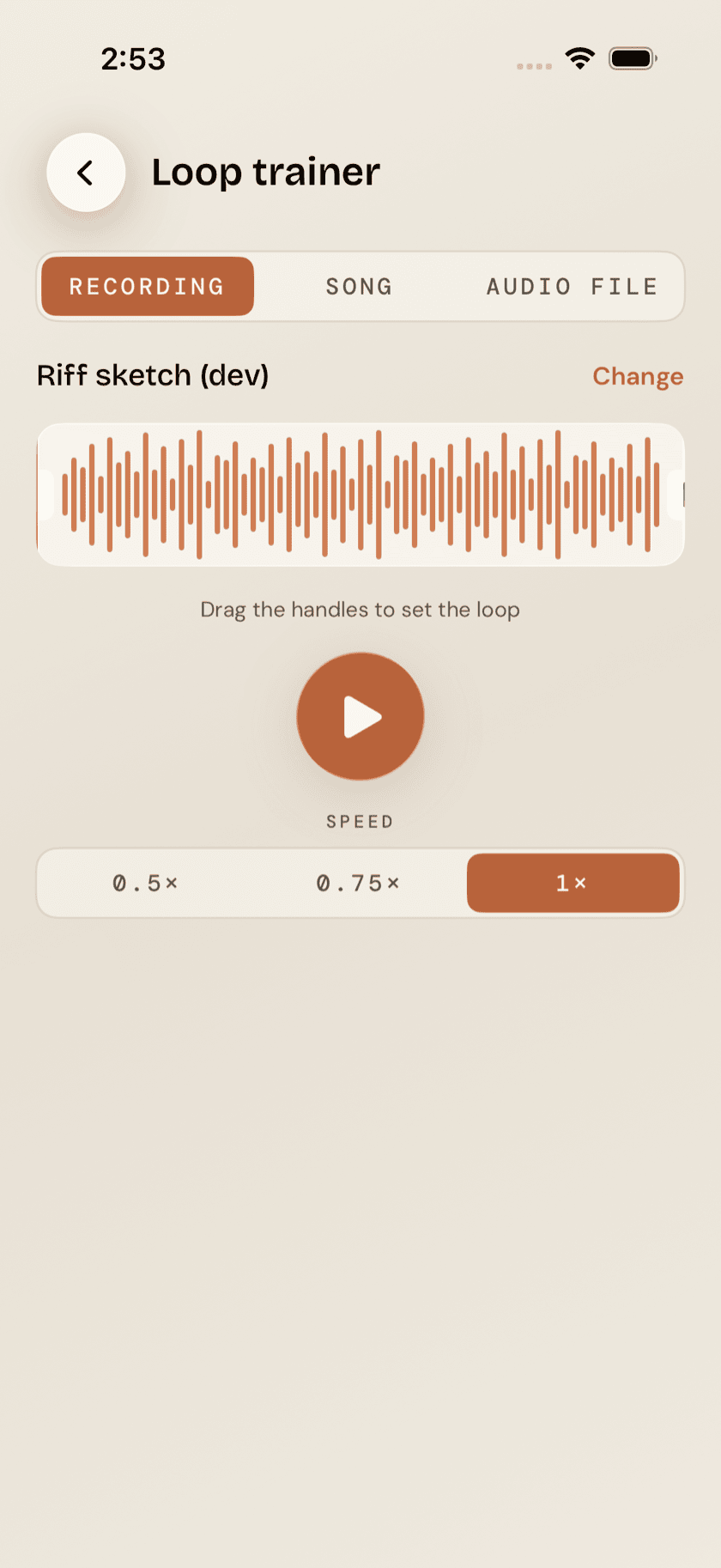
Loop Trainer is a different tool from the library above, though it shares a home. It isolates one specific stretch of music — a lick, a chord change, a strum pattern — and slows it down without dropping the pitch, so you can hear it clearly at a speed your hands can actually keep up with. It works from three sources:
- An existing recording. Any idea, song take, jam take, or loop take you've already recorded. Drag the A/B handles around the tricky bit and it loops that slice at whatever slower, pitch-preserved speed you need.
- A song from your library. Pick a chord range and Loop Trainer plays it back as a full band, with a tempo ramp that eases you up toward full speed rather than parking you at one fixed slow tempo forever.
- An imported audio file. Bring in any song, loop a section, slow it down without changing the pitch, or shift the whole thing up or down seven semitones to match your tuning.
For imported files, Loop Trainer also runs an automatic "what chords is this" sketch.
that chord sketch runs offline, on your device — no upload, no waiting on a server. It's also a best guess, not a verified transcription, and it's tuned for standard four-string chord shapes rather than every possible reentrant-tuning variation. Treat it as a starting point for figuring out a song, not the final answer.