Your First Two Weeks
The app hands you a dozen tools and trusts you to pick — which is lovely, unless you're brand new and have no idea what order they go in. Here's the order.
A quick promise before the plan: none of this is homework. There's no streak to protect and nothing resets if life gets in the way — the plan is a suggestion, not a contract. Ten minutes a day is plenty. Five counts.
Rule zero: tune, every time
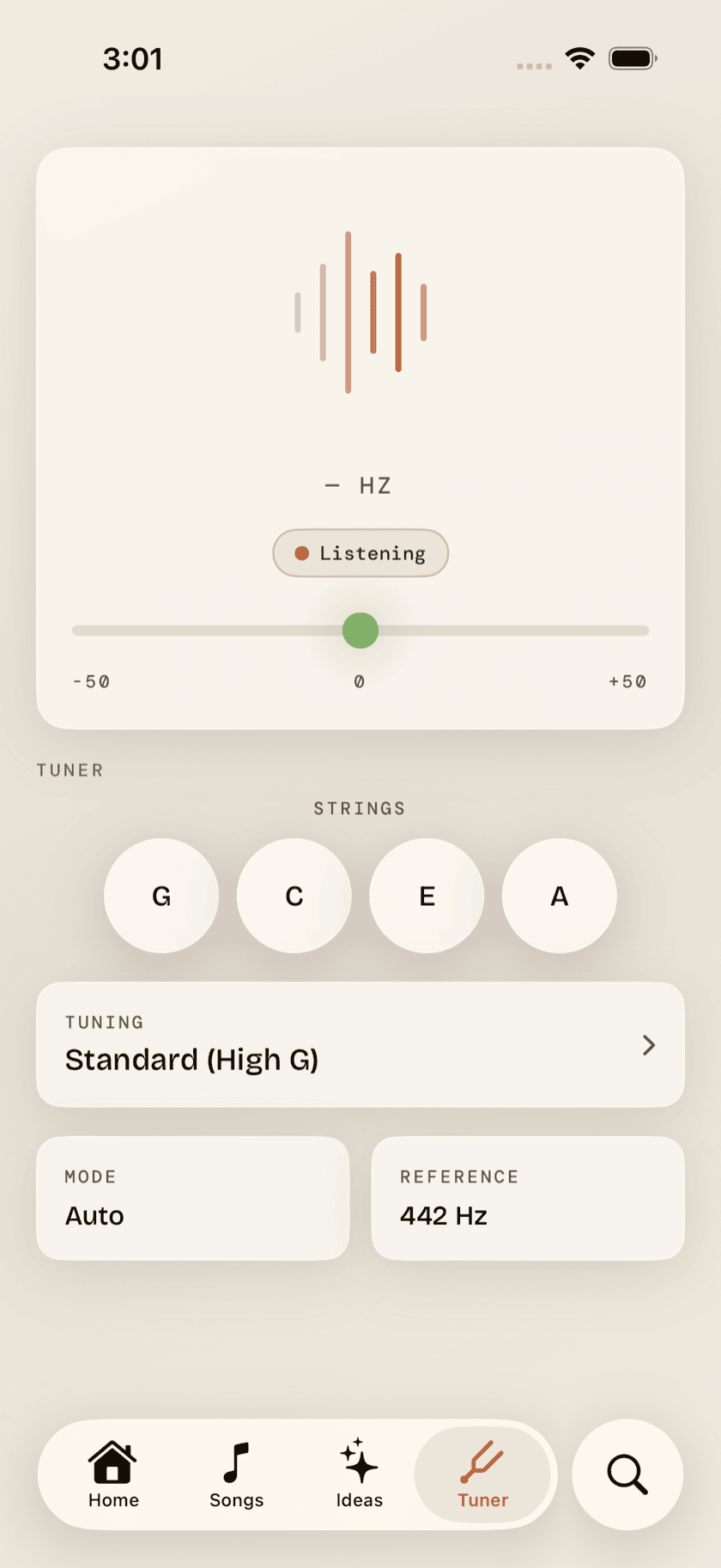
Every session starts the same way: open the Tuner tab and pluck each string. The tuner listens and works out which string you're on by itself — no tapping through menus — and the note goes green with an In tune badge when you're there. Thirty seconds, four strings, done.
This matters more than any other habit on this page. An out-of-tune ukulele makes everything sound wrong, including the things you're playing correctly — and as a beginner you can't yet tell the difference between "I fretted that badly" and "this string is flat." Tuning first removes the doubt. The Tuner page covers the details, and if you want to understand what GCEA actually means, the journal's tuning guide goes deep.
Days 1–3: two chords
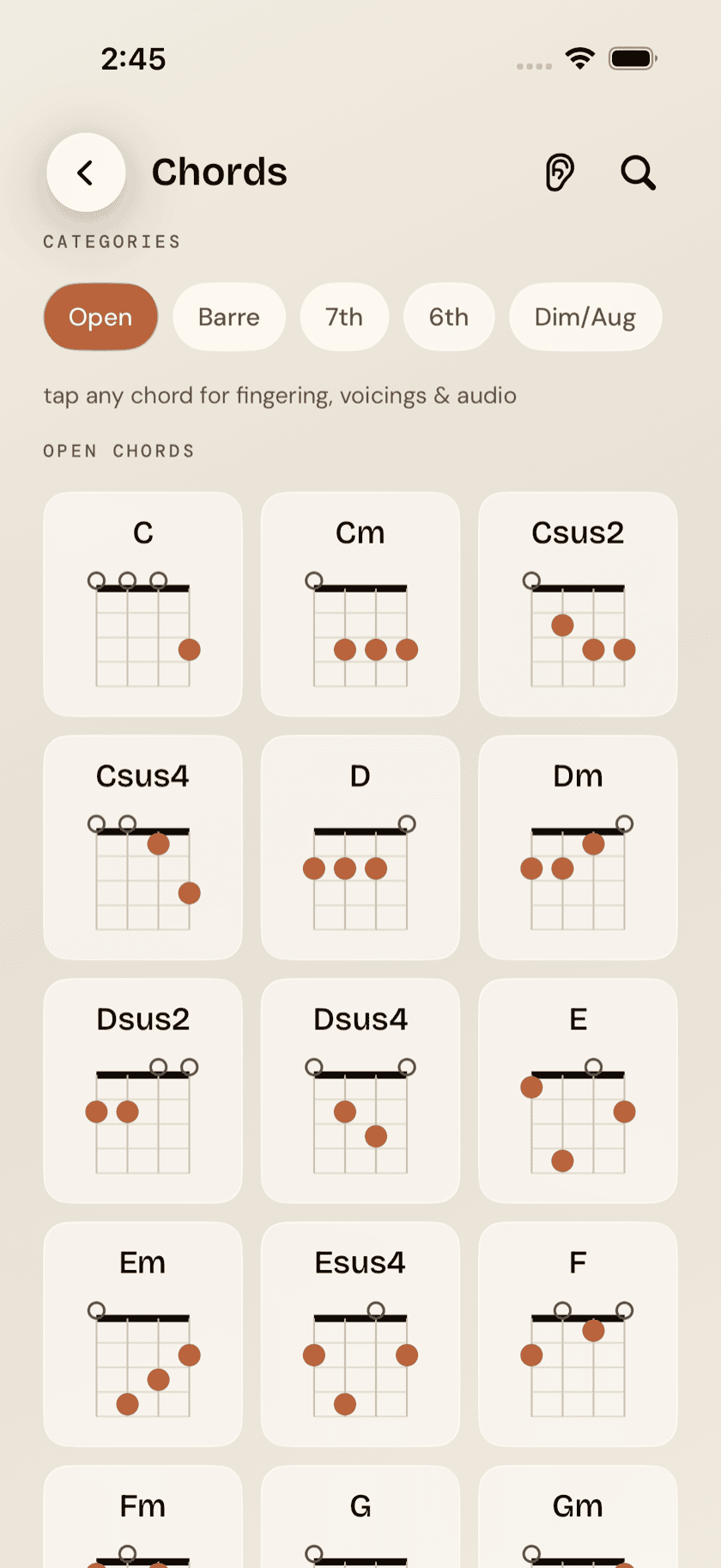
From Home, tap Practice tools, then Chords. Head to the Open category — that's where the friendly ones live. You want exactly two: C and Am. C is one finger. Am is one finger somewhere else. Ignore the rest of the grid, however invitingly it sparkles.
Tap a chord to open it up: a big diagram with finger numbers, and Strum, Arp, and Slow buttons so you can hear what it's supposed to sound like before your hands know it. Play the app's version, then yours, and compare. Buzzing usually means you're touching a string you didn't mean to; a dead note usually means not enough pressure or too far from the fret.
Then the real work, and it isn't learning more shapes: it's switching between the two you have. C to Am, Am to C, until it's boring. The switch is the skill — songs are just chord changes with a melody on top. When plain repetition wears thin, the Chord changes trainer in Drills turns it into a game: set the two pickers to C and Am, start the clock — a minute, or 30 or 90 seconds — and tap once for every clean change you land. The app shows your last run while you're there; remembering your best and beating it tomorrow is on you, which is rather the point.
If chord diagrams themselves are still hieroglyphics, the journal's beginner chords article explains how to read them and how to press cleanly.
Days 4–7: one strum
Back in the practice hub, open Strumming. The pattern list starts easiest-first; take the one literally labeled First pattern — Steady Downs. Four downstrums per bar. That's it, and that's enough.
Tap it and the player loops the pattern over a C chord at a gentle tempo, with a count-in so you're never ambushed by bar one. Strum along until you stop thinking about it. When it feels solid, switch on Speed up gradually and the app nudges the tempo one BPM every bar — you get faster without ever deciding to.
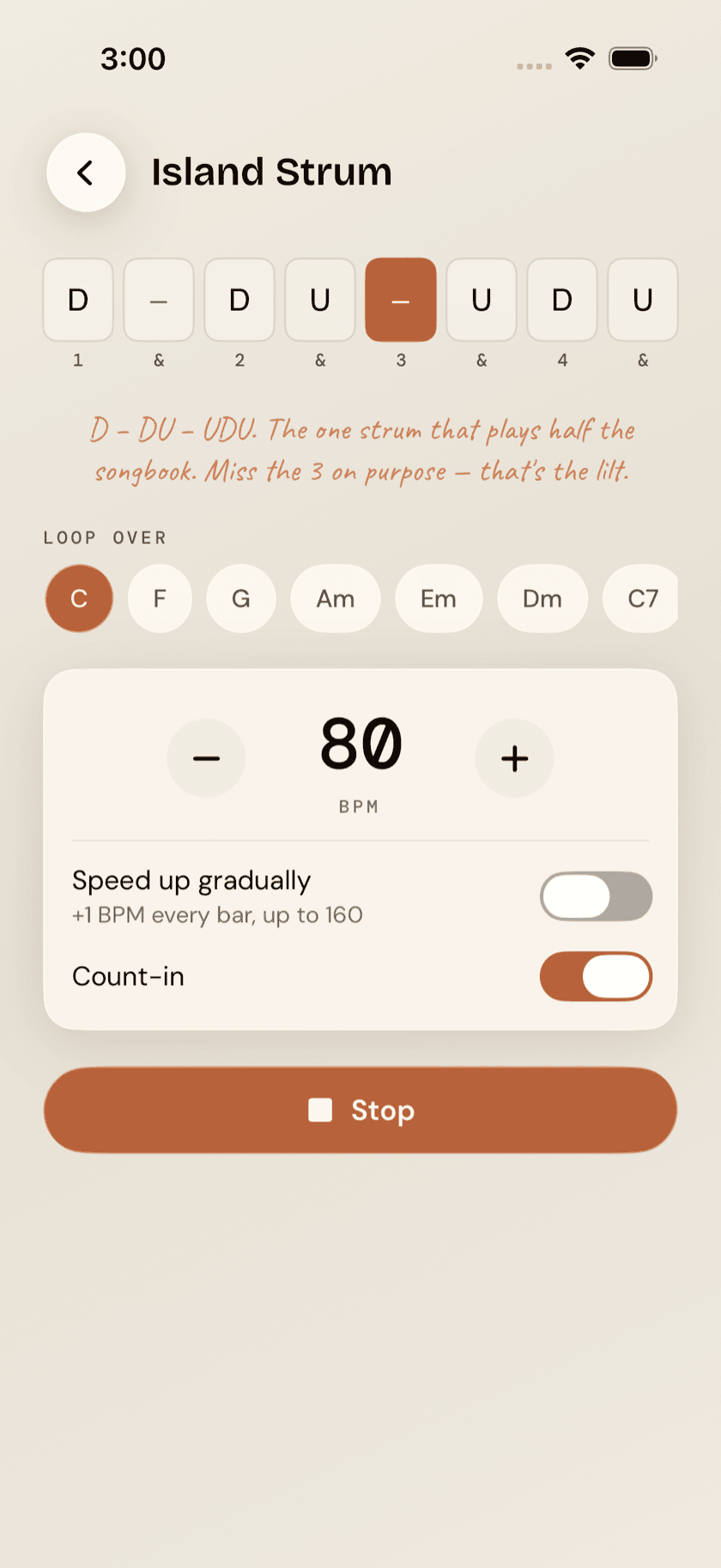
Once Steady Downs is dull, graduate to the Island Strum — D–DU–UDU, the one pattern that plays half the songbook. It'll feel lopsided for a day or two. That's normal; it's supposed to swing. The Strumming & Picking page covers the player in full, and the journal's strumming article explains how to count it.
By the end of the first week you have two chords, a strum, and — put together — the actual mechanics of playing a song. So play one.
Week two: your first song
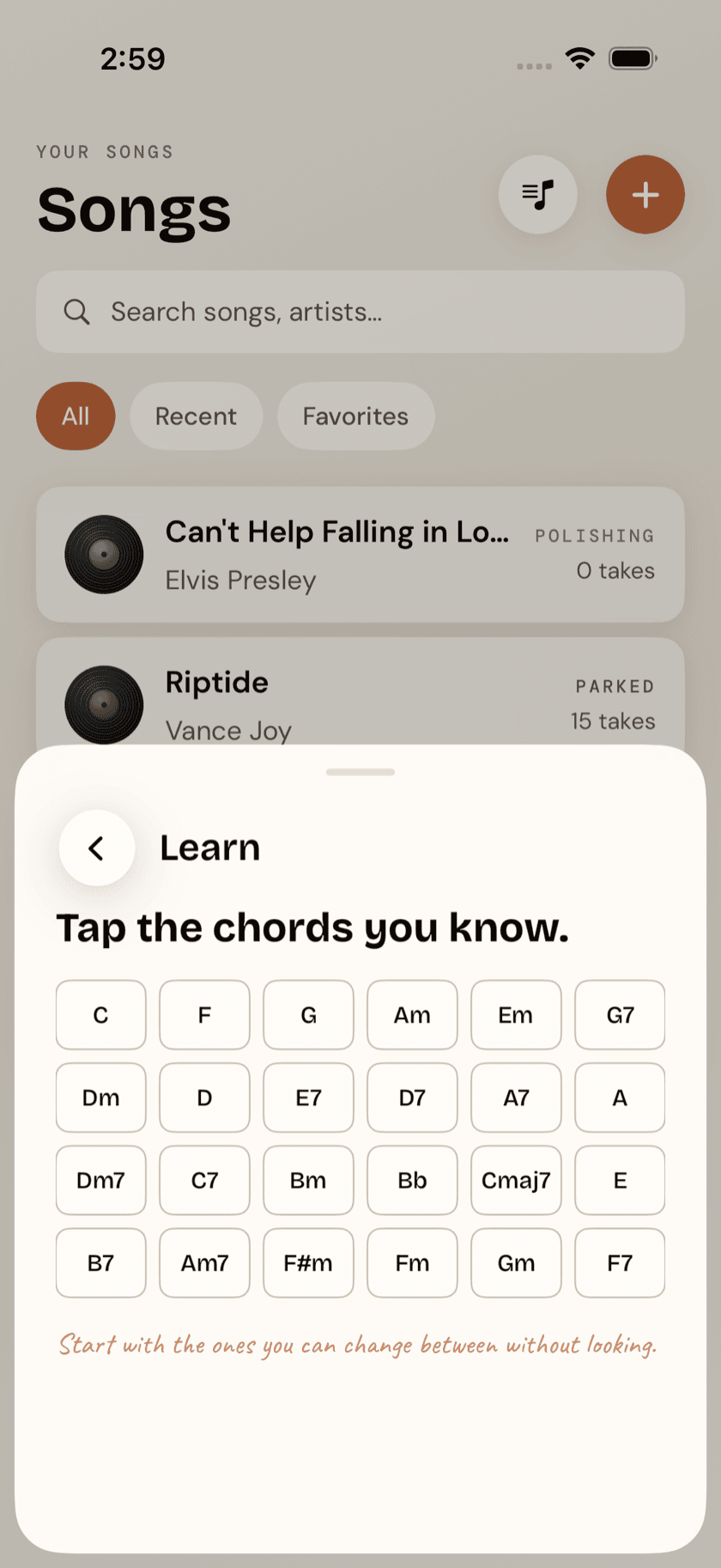
This is the part the whole first week was for. On the Songs tab, tap +, then Songs you can play. Tap the chords you know — C and Am, plus whatever else has snuck in — and the app splits its catalog into two piles: Ready to play, songs whose every chord you already have, and worth one or two new chords, songs just past your fingertips.
Pick something from the ready pile — ideally something you'd hum anyway; you'll practice a song you love ten times more than a song you're assigned. On the song's page, its chord diagrams sit in a grid at the top, and tapping one blows it up big, with Strum, Arpeggio and Slow buttons underneath for when you want to hear how it should sound. When you want the words too, paste in the song's chord sheet once (Add chord sheet, right on the page) and it opens in a full-screen viewer built for playing from. And every song has a Ukulele tutorial link that runs a YouTube search already scoped to lessons for that song — tutorials, not concert footage.
The two-pile screen is also your roadmap out of week two: it tells you exactly which chord to learn next. For most people that's F, then G or G7 — and each new chord unlocks a visibly bigger slice of the catalog, which is the most honest motivation there is. The Songs page covers the library in full, and the journal has a whole article on choosing first songs well.
There's no penalty hiding anywhere in this. Skip a day, skip four — the app keeps no streak, sends no guilt, resets nothing. Two weeks of ten-minute sessions beats one heroic Saturday, but the app will never say so out loud.
What to ignore for now
The fastest way to stall in week one is opening everything. All of this is good, and none of it is for right now:
- Scales — melody and improvisation tools. They matter the moment you want to play single notes; that moment is not week one.
- Picking — fingerpicking patterns. Wonderful, and much easier once strumming is automatic.
- Loops & the Loop Trainer — for drilling a tricky passage in a specific song. You need a repertoire before you need surgery on it.
- Progressions, Jam, Metronome — the band can wait a week. The strum trainer's built-in count keeps time for you until then.
Everything on that list will still be there in week three. That's the whole design.
When two weeks are up
If you've tuned, switched, strummed, and played something — you're no longer a day-one beginner, and the rest of the app starts making sense on its own. Three natural next steps, in rough order:
1. Make the plan a routine. The hub's Routines tool chains what you've been doing by hand — tune, chord changes, strum, song — into one guided, timed session you start with a single tap.
2. Meet the band. Progressions loops the chords you know with drums, bass, and keys behind you — the difference between practicing chords and playing music is mostly a rhythm section. There are forty-one of them, sorted into packs by genre and mood, so you can pick by the sound you're after rather than the name; most come with a strum to match, and a groove picker re-feels the same changes as island, half-time, or reggae.
3. Just jam. When a progression feels good, Jam gives you the full band, your key, your tempo, and a record button.
And for the philosophy of what a single good session looks like — short, focused, ending on something fun — the journal's practice routine article is the companion piece to this page: this one told you which tools; that one explains how it stays a habit.